When you send or receive crypto, your wallet usually just shows a short status like "pending" or "confirmed". Without more detail, it can feel like your money is stuck in a black box, especially if something goes wrong or takes longer than expected. A blockchain explorer is a website that lets you look directly at the public data stored on a blockchain. It works like a search engine and dashboard for on-chain activity, so you can see transactions, wallet addresses, blocks, and fees in a clear way. Everyday users should care because explorers let you independently verify payments, check whether a transaction is really confirmed, and understand why something is delayed or failed. You do not have to fully trust your wallet app, exchange, or support team. In this guide, you will learn what a blockchain explorer is, the key elements on the screen, and simple step-by-step workflows for checking transactions, addresses, and tokens. By the end, you will be able to use explorers to reduce uncertainty and make more informed decisions with your crypto.
Quick Answer: What a Blockchain Explorer Does
Summary
- Check the live status of a transaction (pending, successful, or failed) using its transaction hash.
- View a wallet’s current balance, token holdings, and past transaction history on a given network.
- Inspect blocks to see which transactions were included, who mined or validated them, and when.
- Check gas fees and other costs paid for a transaction, and compare them with current network conditions.
- Verify a token’s official contract address and basic details to avoid interacting with fake or copycat tokens.
- See contract interactions, NFT transfers, and other on-chain events in a transparent, time-stamped way.
Core Idea: What Is a Blockchain Explorer, Really?
- A blockchain explorer never holds your funds and cannot move your crypto for you.
- Most explorers do not require you to log in; you just open the site and start searching.
- They only show public data that is already recorded on the blockchain, not your private keys.
- Each network (Bitcoin, Ethereum, BNB Chain, Polygon, etc.) has its own dedicated explorers.
- You can use multiple explorers for the same network; they read the same chain but may present data differently.
Key Elements You See in a Blockchain Explorer
Key facts
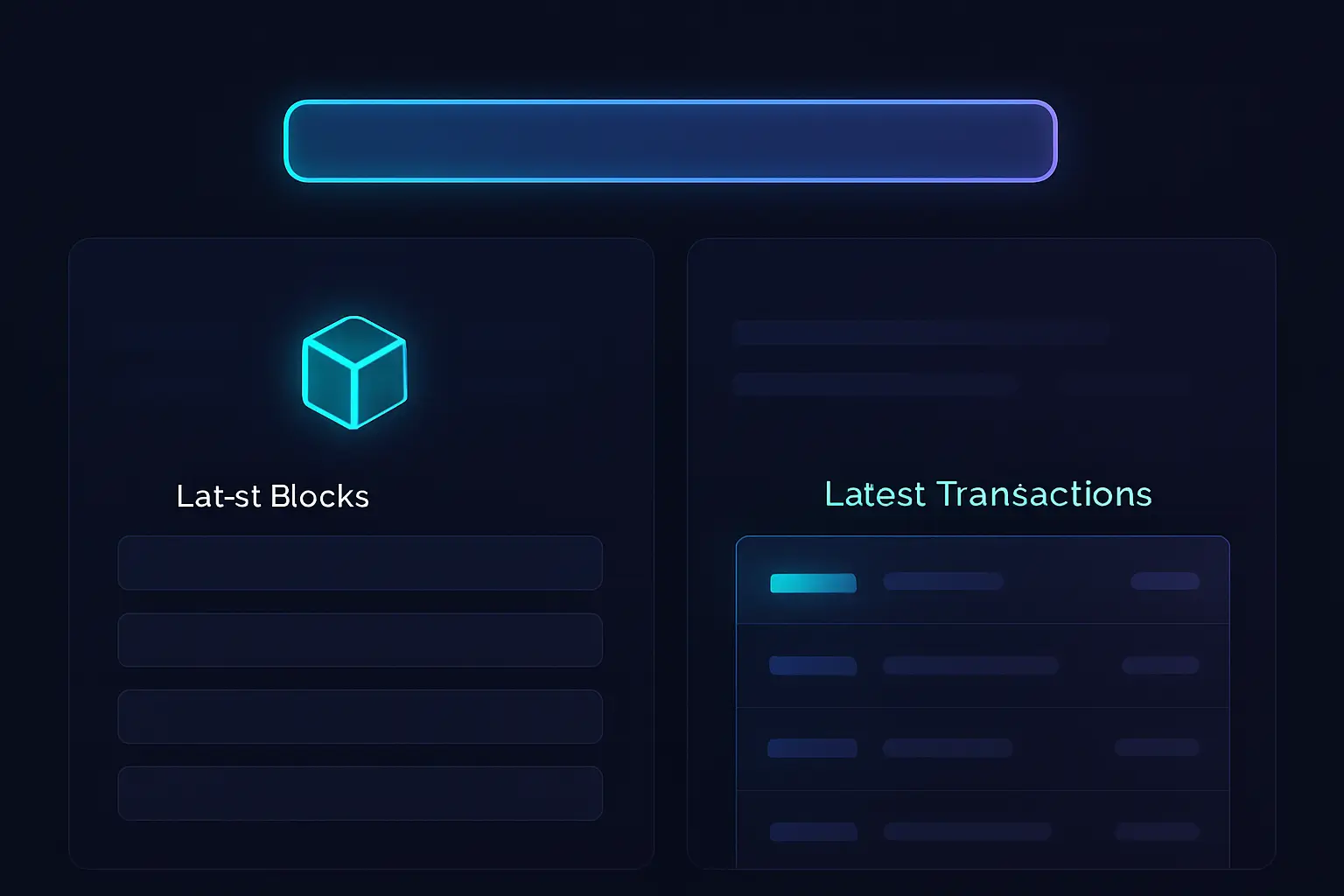
Pro Tip:Names like Etherscan, Polygonscan, and BscScan are all blockchain explorers built by the same team for different networks. Their layouts are almost identical. If you learn to read one of them properly, you can reuse that knowledge across many chains by simply switching to the correct "scan" site for the network you are using.
How to Use a Blockchain Explorer: Step-by-Step
- Copy the transaction hash (TxID) from your wallet or exchange history for the payment you want to check.
- Open the correct explorer for the network used (for example, Etherscan for Ethereum, Blockchain.com for Bitcoin).
- Paste the transaction hash into the search bar at the top of the explorer and press Enter.
- On the transaction page, look for the Status field to see if it is pending, successful, or failed.
- Check the block number and number of confirmations to understand how final the transaction is.
- Review the From and To addresses and the amount to confirm they match what you expected.
- Look at the gas fee or network fee section to see how much was paid and whether a low fee might be causing delays.
- Open the appropriate blockchain explorer for the network that address belongs to.
- Paste the address into the explorer’s search bar and go to the address page.
- Scroll to see the list of transactions sent and received by that address, with timestamps and statuses.
- Optionally, filter or sort the history to focus on recent activity when reconciling payments or tracking your own moves.
- Open the correct network’s explorer and paste the contract address into the search bar.
- On the token page, confirm the token name, symbol, and number of decimals match what you expect.
- Check the contract creator and total supply to see if anything looks suspicious or very different from official information.
- Review the list of holders and recent transfers to ensure the token is actually used and not an empty or fake copy.
Practical Use Cases for Blockchain Explorers
Blockchain explorers are not only for professional traders or on-chain analysts. They are everyday utilities that anyone using crypto can rely on to verify information and understand what is happening behind their wallet screen. Whether you are receiving a salary in crypto, moving funds between exchanges, minting NFTs, or trying a DeFi app, an explorer lets you double-check that the blockchain agrees with what your app is telling you.
Use Cases
- Confirm that an exchange deposit or withdrawal has actually been broadcast and confirmed on-chain.
- Track large transfers to or from your wallets, especially when moving funds between multiple platforms.
- Check contract interactions when using DeFi apps, to see what function was called and how much gas was used.
- View NFT ownership and transfer history for a specific token ID or collection address.
- Monitor gas prices and typical fees before sending a transaction, so you can pick a reasonable fee level.
- Audit your own on-chain activity over time, such as total transfers, DeFi interactions, and token approvals.
- Investigate suspicious or unexpected transactions on your address to spot possible scams or unwanted approvals.
Case Study / Story

Where Did Blockchain Explorers Come From?
In Bitcoin’s early days, there were very few tools for ordinary users to see what was happening on the network. Developers created simple websites that listed recent blocks and transactions so people could verify that their payments were included. As Bitcoin and then Ethereum grew, the need for better visibility increased. Explorers evolved from plain text lists into rich dashboards with search, filters, and charts, making it easier for both beginners and experts to inspect on-chain activity.
Key Points
- Early Bitcoin explorers appear, showing basic block and transaction lists with simple search by hash or address.
- Dedicated Ethereum explorers like Etherscan launch, adding clearer interfaces, token support, and smart contract views.
- "Scan"-style explorers expand to multiple EVM networks (BscScan, Polygonscan, etc.), offering a consistent experience across chains.
- Multi-chain explorers emerge, letting users switch between different networks in a single interface.
- Advanced analytics dashboards build on explorer data to provide charts, labels for known entities, and deeper on-chain insights.
- Explorers add developer-focused tools such as contract source verification, APIs, and event logs, making them central to the Web3 ecosystem.
Risks, Limitations, and Safety Tips
Primary Risk Factors
Most reputable blockchain explorers are read-only, which means they cannot move your funds or sign transactions. Simply viewing data on them is generally safe. However, there are still risks in how people use explorers. Fake or phishing sites can imitate popular explorers, and it is easy to misread pending or failed transactions if you are new. Explorers also do not provide strong privacy, because anyone can look up public addresses and see their history.
Primary Risk Factors
Security Best Practices
- Bookmark the official explorer URLs you use most often and visit them only from those bookmarks. Never type your seed phrase or private key into any explorer or site that claims it is needed to "fix" or "speed up" a transaction.
Going Deeper: Advanced Explorer Features
- View and verify smart contract source code, including comments and function names, to increase transparency and trust.
- Inspect event logs to see detailed contract activity, such as swaps, mints, and approvals emitted during a transaction.
- Check internal transactions, which show value transfers triggered inside smart contracts that are not obvious from the main transaction list.
- Analyze token holder distribution to see how concentrated a token is among top wallets and detect potential whale risk.
- Use explorers’ address labels (for exchanges, bridges, known contracts) to better understand who is involved in a transaction.
- Access APIs to pull on-chain data into your own tools, dashboards, or trading bots programmatically.
- Set up watchlists or alerts where supported, so you get notified when certain addresses or tokens move.
Comparing Popular Blockchain Explorers
Frequently Asked Questions About Blockchain Explorers
Putting It All Together
May Be Suitable For
- People who regularly send or receive crypto payments and want independent verification
- New DeFi users who interact with smart contracts and want to understand what they signed
- NFT collectors who need to confirm ownership and transfer history on-chain
- Freelancers and remote workers paid in crypto who want transparency around salary transactions
May Not Be Suitable For
- People looking for complete privacy tools rather than transparent on-chain tracking
- Users who never move crypto themselves and rely entirely on custodial platforms
- Anyone unwilling to spend a few minutes learning basic transaction and address concepts
- Those expecting explorers to recover lost funds or reverse blockchain transactions
Blockchain explorers turn the blockchain from a mysterious black box into a clear, searchable ledger. Instead of guessing why a payment is delayed or trusting a single app’s status message, you can look directly at the on-chain truth. By learning to check transactions, addresses, and token contracts, you gain practical control over your crypto life. You can verify that your salary arrived, confirm a DeFi interaction, or spot a failed transfer without waiting on support. To make this real, open an explorer for a network you use and start with low-risk lookups: your own address, a small recent transaction, or a token you already hold. With a bit of practice, using a blockchain explorer will feel as natural as checking your online banking history.