Why Receipts Are Confusing
In blockchains, a “transaction receipt” does not mean the same thing as a store or payment receipt. It is not a confirmation that you got what you wanted — it is a technical record of what the network executed.
In everyday life, a receipt usually means something is finished. A paper receipt from a store or an email from an online purchase is taken as proof that payment went through and the order is confirmed. So when a block explorer shows a transaction receipt, it is natural to treat it the same way: as proof that the intended action completed.
The confusion is mostly UX: your wallet or app is showing a user-facing interpretation, while the explorer is showing system-level execution. That mismatch is why a page can say “Success” and you still feel like nothing happened.
- Explorer shows status: Success, but the token balance in the wallet appears exactly the same as before the transaction.
- Receipt status is Reverted or Failed, yet some network fee was still charged and cannot be refunded.
- A decentralized app displays an error message or “transaction failed” banner, while the block explorer clearly marks the same transaction as successful.
- The receipt shows Success, but the expected NFT, position, or order update does not appear in the app’s interface.
- Status is Success, but the action seems to have happened under different conditions than expected, such as a different price or amount.
What a Transaction Receipt Actually Is
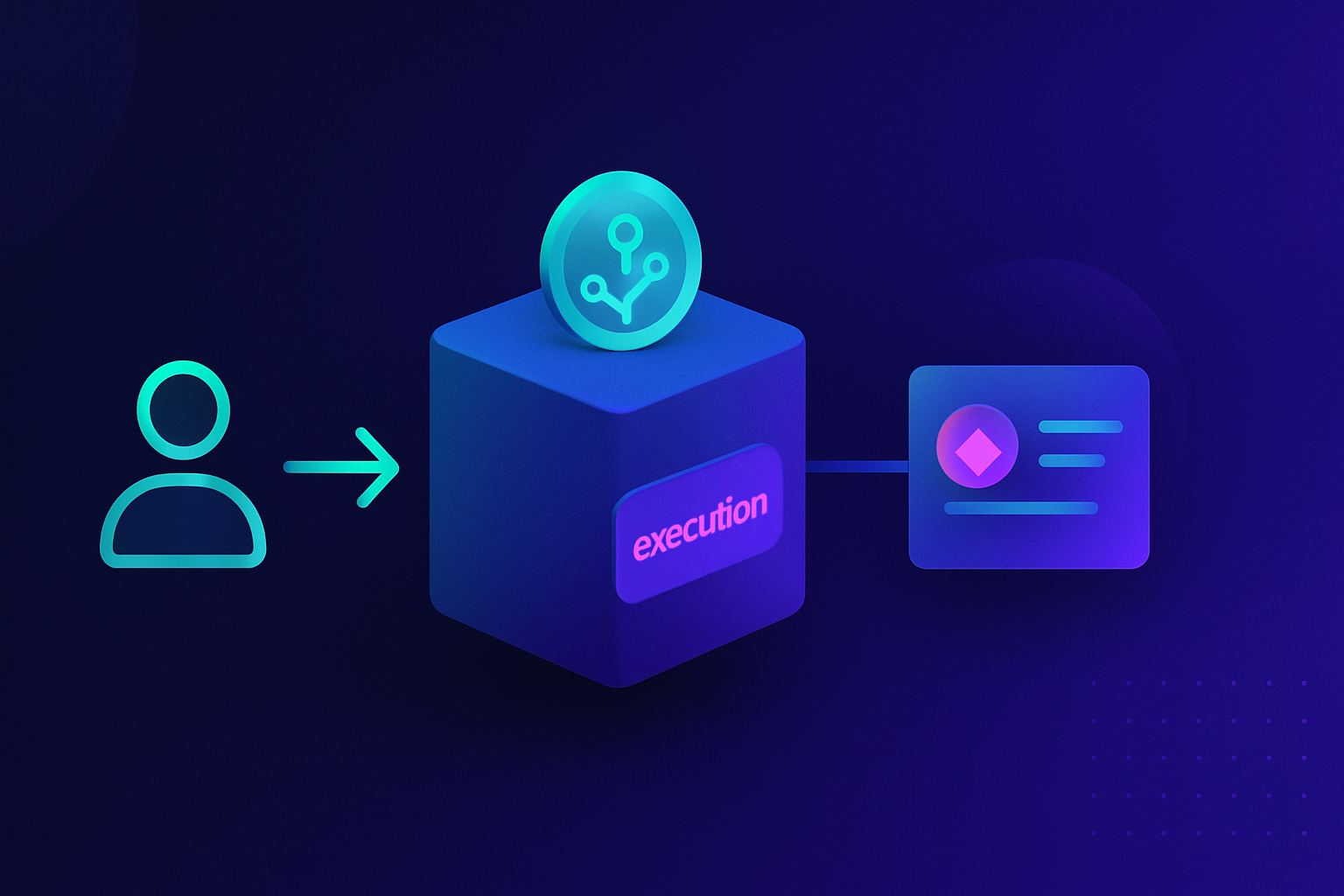
Different chains expose receipts differently, but conceptually a receipt is the network’s execution record for a transaction that was included in a block. A transaction is the instruction that gets sent to the blockchain: who is sending, what action to attempt, and with what basic parameters. Validators (or other block producers) eventually include that transaction in a block and the network executes its instructions. Only after this execution step does a transaction receipt exist.
The receipt is the network’s recorded summary of how that specific transaction ran inside the block: whether execution completed or reverted, how many resources it used, and what it emitted (events/logs). It is separate from the original transaction request, and it does not promise that your intended outcome occurred.
Key facts
Role
Transaction: the request you send to the network. Receipt: the network’s report of how that request was handled in a block.
When it exists
Transaction: exists as soon as you create and broadcast it. Receipt: exists only after it is included in a block and run by the network.
What it records
Transaction: what you asked to happen (sender, target, parameters, limits). Receipt: what happened on-chain (outcome, resources/fees, events/logs).
Whose perspective
Transaction: your intent. Receipt: protocol-level facts about what the network ran.
When a Receipt Exists — and When It Doesn’t
After a transaction is sent, it usually spends some time in a waiting area as “pending”. In this stage it has not yet been included in any block, so there is no final transaction receipt; explorers may only show basic information and a pending label. When a miner or validator includes the transaction in a block, the network executes it and immediately produces a receipt linked to that block. If a transaction is never included at all, for example because it was dropped or replaced by another transaction, a receipt for that original transaction will simply never exist.
- Status shows Pending / in mempool → No final receipt yet; only basic transaction info is visible.
- Included in a block, executed successfully → A receipt exists and records what the network did.
- Included in a block, executed and reverted → A receipt exists and records that the network rolled back state for that transaction.
- Not executed / not included (dropped, expired, not found) → No receipt exists for that transaction.
- Replaced by another transaction that got included instead → Only the transaction that is included in a block gets a receipt.
What Information a Receipt Typically Contains
Most block explorers present a transaction receipt as a compact panel with these fields. These block explorer receipt fields are how most people sanity-check what happened on-chain. You will usually see an outcome/status indicator, fees or resource usage (often called gas on EVM chains), the main addresses involved, and a section for events/logs or token transfers that summarize what the network ran.
Key facts
Status
Did execution complete, or did it revert?
Fees / Resource usage
How much the transaction cost to process (fees, compute, bandwidth, etc. depending on the chain).
Addresses
Who sent the transaction, and which account(s) or program/contract it interacted with.
Events / Logs / Transfers
What higher-level actions were recorded during execution (token movements, fills, mints, etc.). Apps often rely on these.

Why “Success” Can Still Feel Like Failure
A receipt status of Success means the blockchain executed the transaction from start to finish without reverting.
But system-level success does not guarantee user-level satisfaction. The code can legally do nothing visible (because a condition wasn’t met), it can update internal state your wallet UI doesn’t show, or it can take a different path than you expected based on the parameters you sent. That is why “Success” can still feel like failure.
- Status: Success, but no tokens moved because a rule inside the contract (for example, minimum amount or time window) decided that the transfer conditions were not met.
- Status: Success, yet the app shows no change because it updated an internal record, not a visible balance, or the UI has not refreshed based on events.
- Status: Reverted, and the on-chain state stayed safe and unchanged, but some fee/resources were still used to reach the point where the rule decided to stop and roll back.
- Status: Reverted, and the user is surprised because they assumed the app allowed an action that its rules actually forbid, such as trading an unsupported asset.
- Status: Success, but the action happened under different parameters than expected because the original settings or inputs did not match the user’s mental picture.
Why Applications Look at Events, Not Just Status
A receipt’s status alone is usually not enough for applications to know what happened.
When the network runs a transaction, contracts can emit events (also called logs). These events are stored as part of the receipt and are easy for applications to scan. Wallets and decentralized apps often watch for specific events, such as a Transfer event for tokens or an OrderFilled event for a trading action. A simple status cannot say which of several possible paths the transaction followed, so apps rely on events inside the receipt to understand the outcome and update balances, histories, and notifications accurately.
Pro Tip:If a receipt shows Success but the visible result seems off, a useful next step is to open the token transfers or events section in the explorer. Many tools already translate common events into human-readable lines, such as which tokens moved and between which addresses. If the expected event is missing, that often explains why an app did not update a balance or status: from the app’s point of view, the specific action never occurred, even though the transaction itself executed successfully.
A Simple Mental Model for Interpreting Receipts
A calm way to read any transaction receipt is to separate system facts from personal goals. First, look at what the chain reports it did: status, fees/resource usage, and the main events or transfers. Then, compare those facts with the intended action: what was supposed to move, change, or be created. If there is a mismatch, it usually points to app rules, parameters, or assumptions that need checking, rather than the chain silently ignoring the request.
A receipt answers: “What did the network do?” It does not answer: “Did I get what I wanted?”
- Check whether the transaction is still Pending or already included in a block; only included transactions have a full receipt.
- Read the Status and fees/resource usage to understand whether execution completed or reverted and what it cost.
- Scan the token transfers or events/logs section to see what higher-level actions the chain recorded.
- Compare these facts with the intended goal: which assets or states were meant to change.
- If the facts and the goal do not line up, review the app’s rules, inputs, and chosen action before assuming something is broken.